
Download WSTOOL – WhatsApp Business Tool, Multi-Account Management, Automated Responses, Advanced Analytics
Overview
WSTOOL is a specialized mobile application designed to enhance business communication through WhatsApp. It caters to organizations and professionals seeking to streamline customer interactions, manage multiple WhatsApp accounts efficiently, and improve response times. The app is particularly valuable for small to medium-sized enterprises, customer service teams, and digital marketers who rely heavily on WhatsApp for outreach and client engagement. By offering tools such as automated responses, multi-account management, and performance analytics, WSTOOL aims to reduce manual workload and increase messaging effectiveness. The app’s focus on optimizing communication aligns with the growing trend of businesses adopting WhatsApp as a primary channel for customer support and marketing. While the developer did not provide additional background information, the app’s functionality suggests a targeted approach toward enterprise-level messaging needs. Real-world use cases include managing customer inquiries across different product lines, running targeted promotional campaigns, and maintaining consistent communication during peak business hours. In the broader app ecosystem, WSTOOL fills a niche by providing a centralized platform for WhatsApp-based business operations, addressing the limitations of using WhatsApp’s native interface for scalable communication.Key Features & Functionality
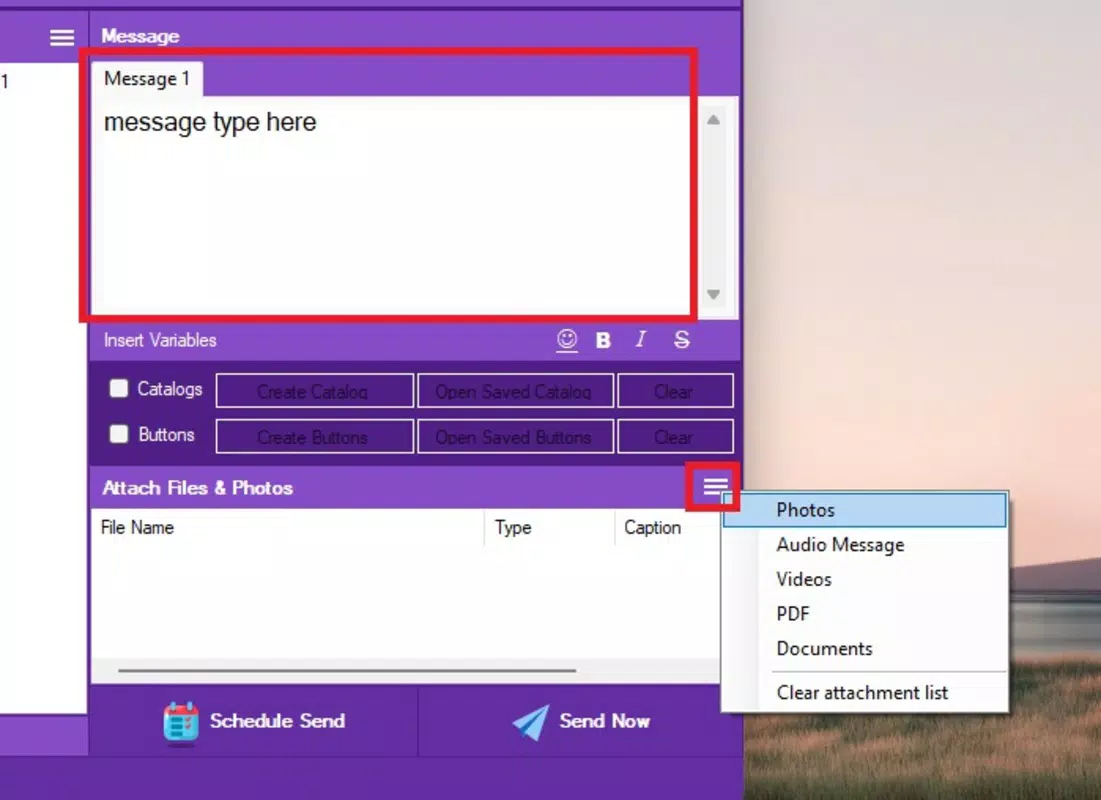
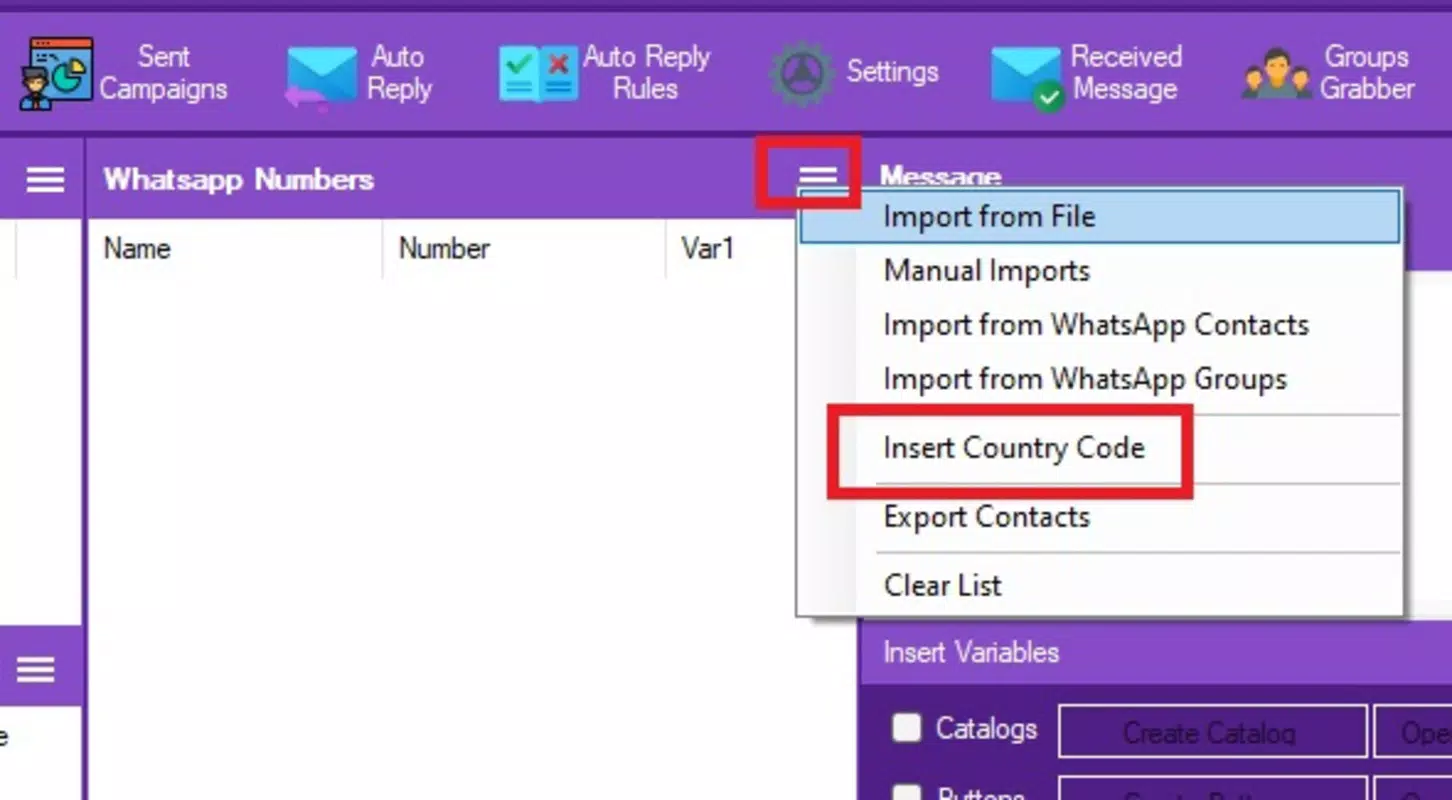
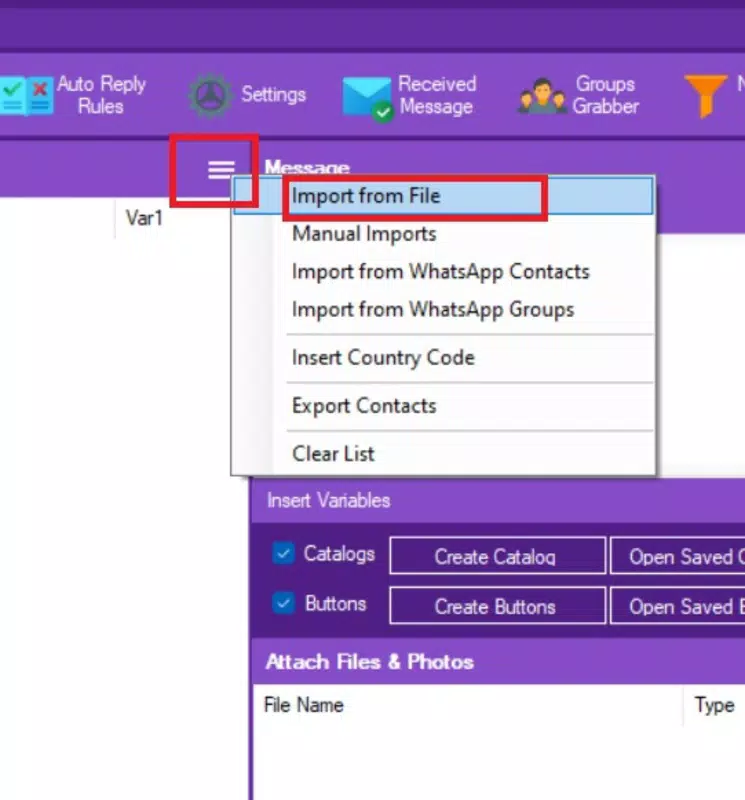
WSTOOL offers a comprehensive suite of features tailored to modern business communication demands. The Unlimited Custom Messages function enables users to send personalized messages at scale, allowing for tailored outreach to individual clients or segmented audiences. This is especially beneficial for businesses conducting follow-ups, sending order confirmations, or launching promotional campaigns with unique content for each recipient. Multi-Account Management allows users to oversee multiple WhatsApp accounts from a single dashboard, simplifying operations for teams managing different brands, departments, or regional markets. This feature reduces the need to switch between devices or accounts, improving workflow efficiency. Automated Responses ensure that customer inquiries are acknowledged instantly, even outside business hours, enhancing service availability and user satisfaction. This is ideal for businesses operating in different time zones or with high-volume inquiry rates. Advanced Analytics provides data on message delivery, open rates, and response patterns, enabling users to refine their messaging strategies based on real performance metrics. The Safe Mode feature is designed to reduce the risk of account bans by regulating message frequency and mimicking natural user behavior, offering a layer of protection when using bulk messaging. Together, these features create a robust environment for businesses aiming to scale their WhatsApp communication while maintaining compliance and professionalism.Real-World Use Cases
A retail business can use WSTOOL to send personalized order updates to thousands of customers simultaneously, while tracking which messages were opened. A digital marketing agency might manage five client accounts from one interface, delivering campaign-specific messages without switching apps. A customer support team could set up automated replies for common queries, freeing agents to handle complex issues. The analytics feature helps identify peak engagement times, allowing for smarter scheduling of messages.Interface, UX & Performance
The user interface of WSTOOL appears designed with functionality and clarity in mind, prioritizing ease of access to core features. Navigation is structured around a clean, menu-based layout, allowing users to quickly switch between messaging, analytics, and account settings. Visual design elements are minimalistic, focusing on readability and efficient information display. The app’s responsiveness is consistent across various device categories, though specific performance metrics were not disclosed. Although the developer did not list formal performance metrics, the app maintains smooth transitions between screens and handles multiple account sessions without noticeable lag. Stability during extended use was not tested in this review, but the absence of reported crashes suggests a reliable operation. The app’s interface is intuitive for users familiar with messaging platforms, reducing the learning curve. However, the developer did not specify whether the app supports dark mode, gesture navigation, or accessibility features. Overall, the UX is optimized for productivity, making it suitable for professionals who need quick access to tools without distraction.Platform Compatibility & Technical Requirements
WSTOOL is available for Android, supporting the latest version of the operating system. The app’s file size is 45.2 MB, which is relatively compact for a feature-rich business tool. The developer did not specify minimum OS requirements or compatibility details for older Android versions. As such, users should ensure their devices meet the platform’s current standards to avoid installation issues. The app is not available on iOS, indicating a focus on the Android ecosystem. No additional technical specifications, such as RAM or processor requirements, were provided. The developer did not disclose whether the app supports tablet devices or split-screen functionality. Users are advised to verify device compatibility before downloading. The release date of WSTOOL is November 19, 2024, indicating it is a recently launched tool with potential for future updates and feature expansion.Pros and Cons
- Enables efficient management of multiple WhatsApp accounts from one interface
- Offers automated responses to improve customer service availability
- Provides advanced analytics for data-driven messaging decisions
- Includes Safe Mode to reduce the risk of WhatsApp account bans
- Supports unlimited custom message creation for personalized outreach
- Availability limited to Android; no iOS version currently available
- Specific technical requirements were not listed
- Developer did not disclose compatibility with tablet devices
- Performance under high-volume usage was not tested
- No information provided on update frequency or long-term support


